
Free Softphone for Windows: MiaPhone
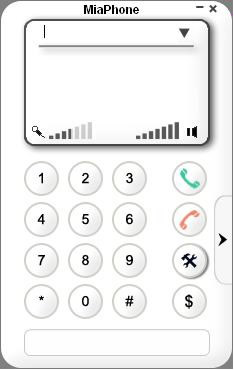 Here at OneSuite blog we continue to provide options for our customers. OneSuite VoIP service can be use with (via sofphone) or without a computer (through ATA device or IP phone).
This is a new addition to my series of articles on free SIP softphones that are compatible with OneSuite VoIP service.
MiaPhone is one of the easiest softphone I’ve installed and tried so far. Its interface is straightforward and very user friendly. I made my first call 5 minutes after I clicked the download button on MiaPhone’s website.
Here at OneSuite blog we continue to provide options for our customers. OneSuite VoIP service can be use with (via sofphone) or without a computer (through ATA device or IP phone).
This is a new addition to my series of articles on free SIP softphones that are compatible with OneSuite VoIP service.
MiaPhone is one of the easiest softphone I’ve installed and tried so far. Its interface is straightforward and very user friendly. I made my first call 5 minutes after I clicked the download button on MiaPhone’s website.
I made a few calls using my OneSuite account and all of my calls are connected within few seconds. The look of the softphone is very simple and somewhat plain especially with the all white background but I am not complaining as long as it’s doing its job. Here are the main features:
- Compatible with Windows 98/Me/2000/XP/2003/Vista/7
- Supports work behind NAT/Firewall (STUN is used)
- G.711, GSM, iLBC, G.726 (G.721) codecs
- Adaptive Echo Canceller (AEC)
- Automatic adjustable Jitter buffer
- DTMF tones (can be integrated with voice mail or other tone driven system)
- Registers with SIP Registrar
- Supports SIP Outbound Proxy
- Redial of last number
- History of 10 latest dialed numbers
- Quick dial users list
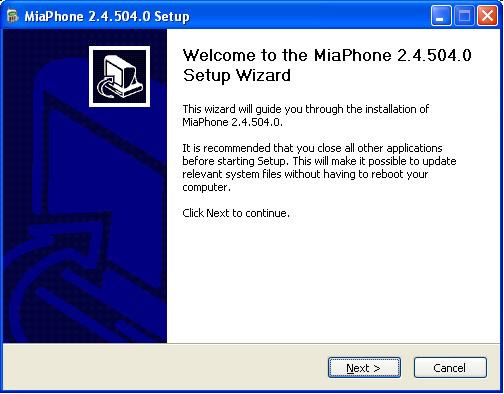
Here comes a quick instruction on how to download, install and set it up in under 5 minutes: Download MiaPhone and run the installation file. Click Next to continue.
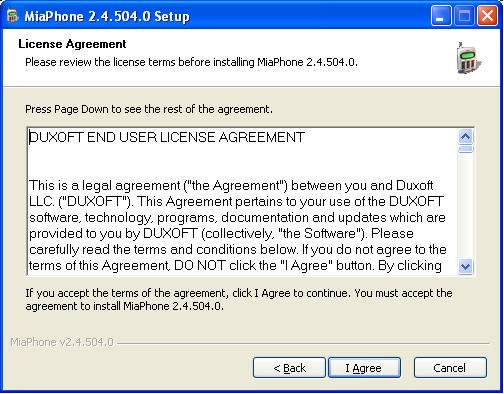
Click on I Agree if you accept the license agreement.
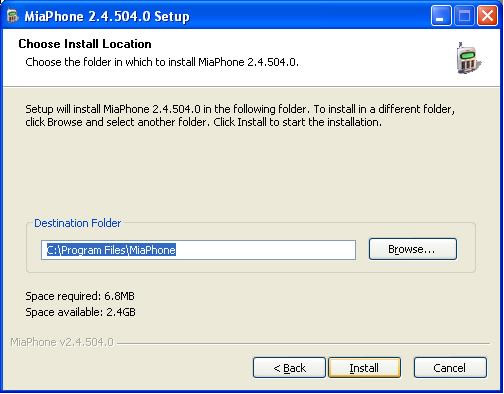
Choose where you want to install MiaPhone and click Install to proceed.
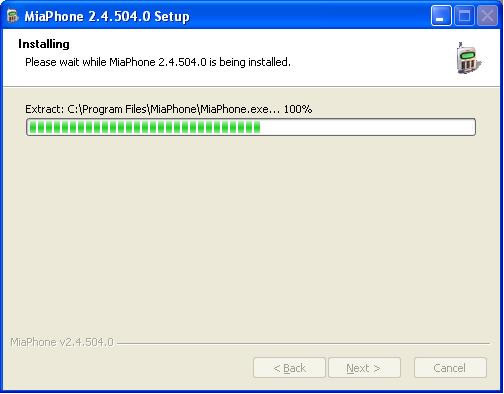
Wait for the files to be copied.
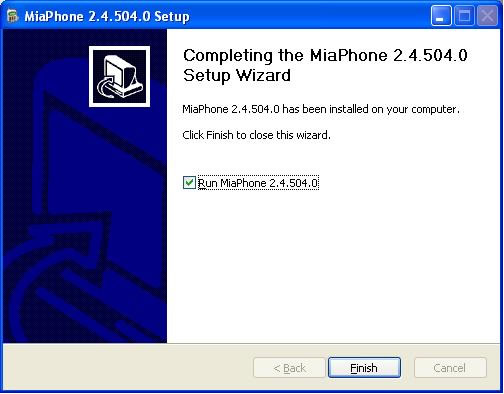
Click Finish to complete the installation.
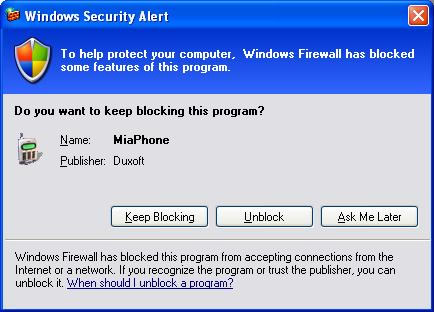
Click Unblock to allow MiaPhone through Windows Firewall.
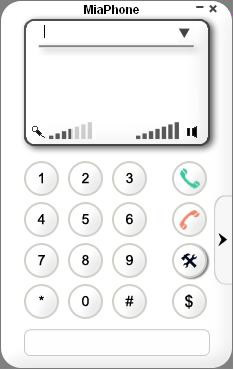
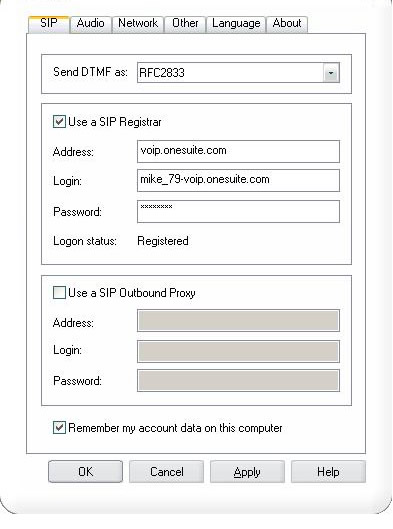
Now before making any calls, click on Settings button (above the $ sign).
 Type in here your OneSuite details as shown above then click Apply and OK.
Address: voip.onesuite.com
Login: onesuite_username-voip.onesuite.com
Password: 8 or 10 digit softphone password
Type in here your OneSuite details as shown above then click Apply and OK.
Address: voip.onesuite.com
Login: onesuite_username-voip.onesuite.com
Password: 8 or 10 digit softphone password
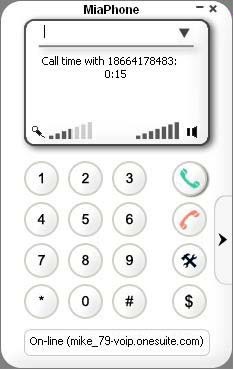
Now you are ready to make your first call. Try OneSuite Toll Free support number to test if everything is set up and to make sure you can make an outgoing call.
 I recommend this MiaPhone for those people who don’t need extra features such as call conference or call recording. This softphone is also advisable for those old PC’s as it only consumes small amount of system memory.


